Rooted in the Word·Alive in the Spirit·Impacting our Region·Bringing Hope to the Lost·Touching the World·
Welcome! It is our joy to have you here.
We are a Word and Spirit church devoted to the uncompromised truth of Scripture and the active work of the Holy Spirit, helping you cultivate a deep walk with the Lord, live in victory through Christ, and discover the purpose God has placed within you.
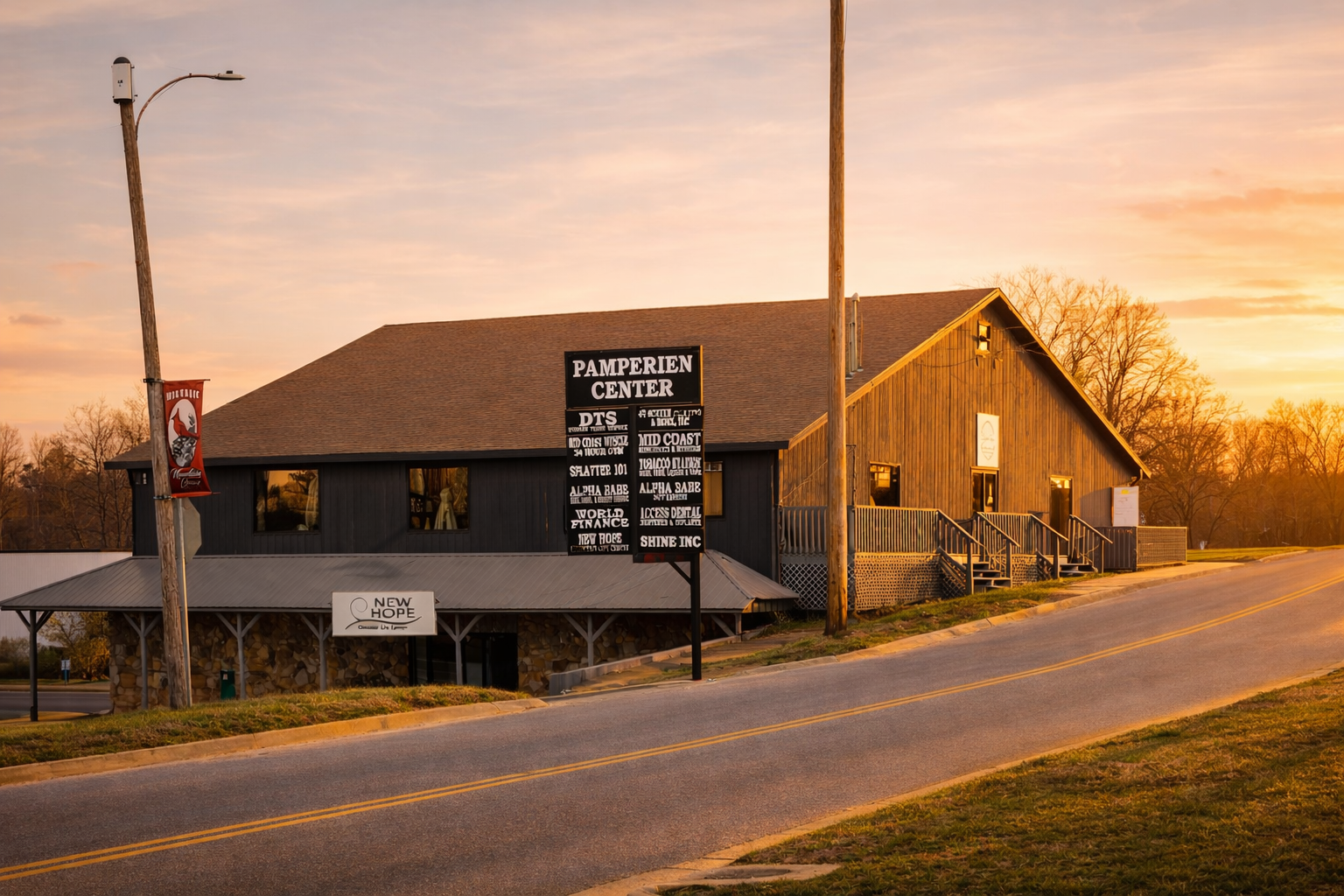
Sunday Morning Worship · 10 AM · 105 W 11th Street, Mt. Grove MO
This Sunday
10 AM
Sunday Morning Worship
105 W 11th Street, Mt. Grove MO 65711
You belong here.
Come experience the uncompromised Word of God and the manifest presence of the Holy Spirit. Our mission is to teach, train, and equip the saints to walk in intimate fellowship with the Lord in victory through Christ.
No matter where you are on your journey, there is a place for you here. Come as you are and encounter the love, grace, and transforming power of God.
Watch Us Online
Join us live every Sunday at 10 AM or catch any message on demand. The Word works whenever you're ready.
Watch NowWalking in Faith
Feb 16, 2026 · 42 minThe Power of Community
Feb 9, 2026 · 38 minGrace and Growth
Feb 2, 2026 · 45 minRegister for a Class
Christ-centered, free to the community, and recognized by local courts and the Department of Family Services. Classes meet every Monday.
All classes are free and open to the community — no church membership required
* This is not a denomination-based ministry
Ministries We Support
We are committed to partnering with Word and Spirit ministries that are impacting lives and spreading the hope of the Gospel across the region and the world.
Mychurch.network
Pastors Lonnie & Dana Shrader
PrayerSkool.com
Online prayer training and resources
Healingskool.com
Healing ministry training and resources
Covenant Life Church
Pastors David and Jill Crammer
Moore Life Ministries
Pastors Keith and Phyllis Moore
Cornerstone Word of Life
Pastors Mark and Rhonda Garver
Rhema Bible Church
Pastors Kenneth W. and Lynette Hagin
Uttermost Ministries
Pastor Pattie Ah Kui
Disciples Fellowship International
Reverends Mike & Karen Atwood
Connect With Us
We'd love to hear from you.
Call or Text
417-349-1095Address
105 W 11th Street
Mt. Grove MO 65711
Service Times
Sunday Morning Worship at 10 AM